
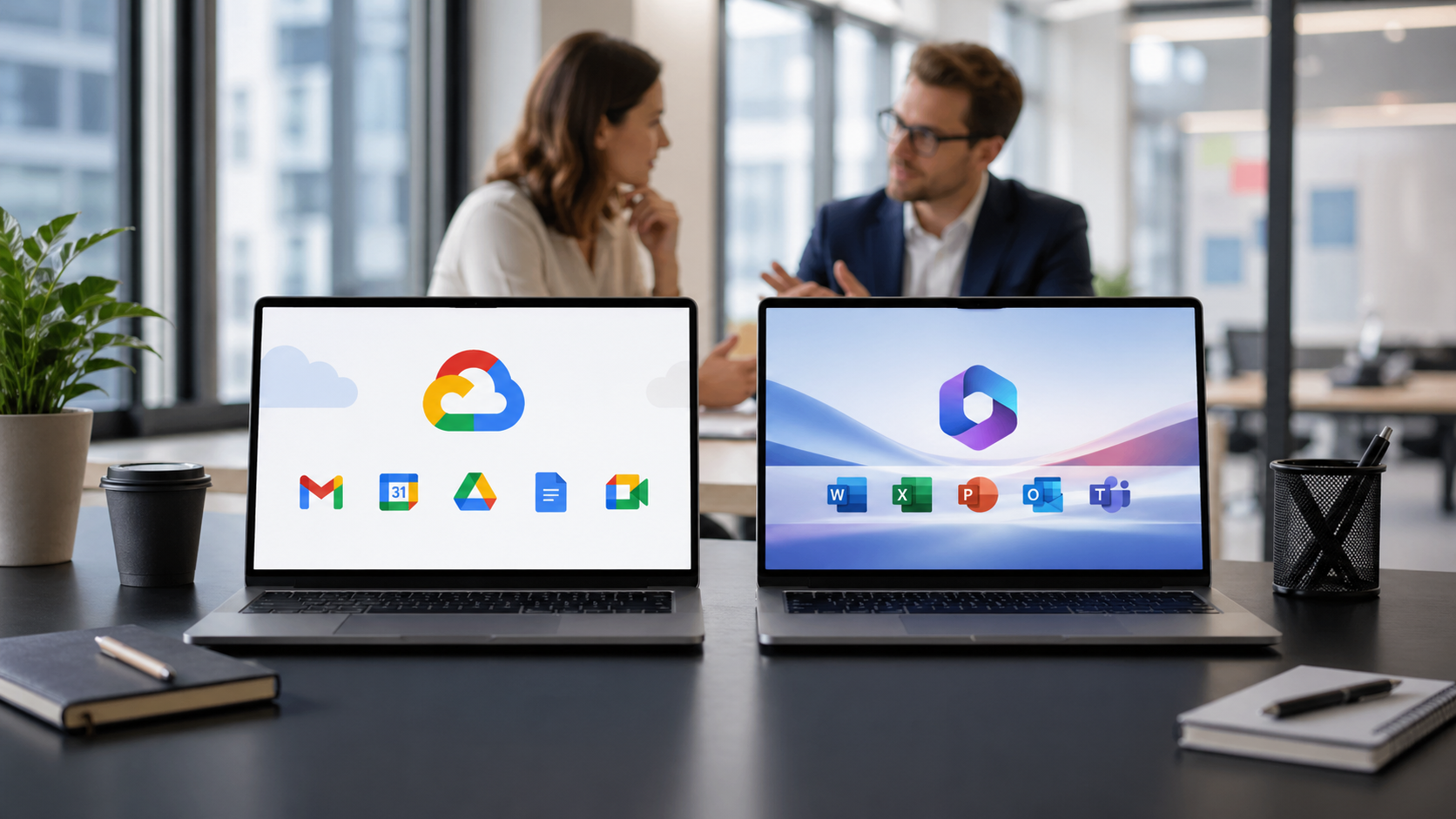
When a business decides to move off Exchange Server, the next question is almost always: Microsoft 365 or Google Workspace? Both platforms solve the fundamental problem, getting you off end-of-life on-premise infrastructure and onto a modern, cloud-hosted email and collaboration suite. Both are mature, well-supported, and used by millions of businesses worldwide.
The honest answer is that for most businesses, either platform would be a significant improvement over Exchange Server. The choice between them is not about which is better in absolute terms. It is about which is the better fit for your specific environment, your team’s working patterns, and your long-term technology direction.
This guide breaks down the comparison across the areas that matter most to businesses making this decision.
The Platforms at a Glance
Microsoft 365
Microsoft 365 is a cloud subscription platform that includes Exchange Online (email), Teams (messaging and video), SharePoint (document management and intranet), OneDrive (personal cloud storage), and desktop versions of the Office applications including Word, Excel, PowerPoint, and Outlook. It also includes Microsoft Defender for security, Microsoft Purview for compliance, and Entra ID for identity and access management.
For businesses that have used Microsoft products for years, whether that means Office on the desktop, Active Directory for user management, or Teams for communication, Microsoft 365 feels like a natural evolution of an existing environment rather than a change of direction.
Google Workspace
Google Workspace is Google’s cloud productivity suite, built entirely around the browser. It includes Gmail (email), Google Drive (file storage), Google Docs, Sheets, and Slides (document creation), Google Meet (video calling), Google Chat (messaging), and Google Calendar. Administration is handled through the Google Admin Console, and identity management is built into Google’s platform.
Google Workspace was designed from the start for cloud-first, browser-based work. There are no desktop applications to install. Everything runs in the browser, and documents live in Google Drive rather than on local hard drives or file servers.
Microsoft 365 uses Exchange Online, which is cloud-hosted Exchange. For businesses moving from on-premise Exchange Server, this is a familiar environment. Outlook, whether the desktop app, the web version, or the mobile app, looks and behaves the same way. Users’ email history, contacts, and calendar events migrate across and appear exactly as they did before. The transition for end users is minimal.
Google Workspace uses Gmail, which is a fundamentally different email experience. Gmail uses labels rather than folders, conversation threading is the default, and the keyboard shortcuts and navigation are different from Outlook. For staff who have used Outlook for years, the transition to Gmail requires more adjustment than the transition to Outlook Online. Some staff adapt quickly and prefer Gmail’s simplicity. Others find the difference disruptive, particularly initially.
The verdict: For businesses where email is the primary concern and staff are deeply familiar with Outlook, Microsoft 365 offers a smoother user transition. For businesses that are open to a fresh approach or that have staff who already use Gmail personally, Google Workspace is a strong choice.
Collaboration and Productivity Tools
Microsoft 365 provides Teams for messaging and video, SharePoint for document management and team sites, and desktop Office apps for document creation. The integration between these tools is deep: files stored in SharePoint or OneDrive can be co-authored in Word or Excel, shared in Teams, and accessed from any device. Teams has become one of the most widely used business communication platforms in the world, with features including channels, persistent chat, meeting recording, and integration with hundreds of third-party apps.
Google Workspace provides Google Chat for messaging, Google Meet for video, Google Drive for storage, and Google Docs, Sheets, and Slides for document creation. Google’s real-time collaboration was a genuine innovation when it was introduced and remains excellent. Multiple people can edit the same document simultaneously, see each other’s cursors in real time, and leave comments that are resolved in context. The web apps are fast and responsive. The trade-off is that Google Docs, Sheets, and Slides are less feature-rich than Microsoft Word, Excel, and PowerPoint for complex documents.
The verdict: For businesses with heavy Microsoft Office users, specifically those creating complex spreadsheets, detailed Word documents, or sophisticated PowerPoint presentations, Microsoft 365’s desktop Office apps have a meaningful capability advantage. For businesses where document creation is relatively simple and real-time collaboration on shared documents is the priority, Google Workspace’s web apps are excellent. For video and messaging, both Teams and Meet are strong, though Teams has broader enterprise adoption in the US.
Security
Both platforms provide enterprise-grade security capabilities that are significantly better than what most businesses can achieve with on-premise Exchange Server. Multi-factor authentication, modern authentication protocols, automatic security updates, and threat protection are all available on both platforms.
Microsoft 365 Business Premium includes Microsoft Defender for Business, which provides endpoint detection and response, email threat protection (Safe Links and Safe Attachments), anti-phishing policies, and unified security management across email and devices. Combined with Microsoft Entra ID’s Conditional Access, it provides a comprehensive security platform that goes well beyond email.
Google Workspace includes strong security foundations including 2-step verification, Vault for data retention and eDiscovery, and Google’s built-in email threat protection. Higher-tier plans add Google’s endpoint management capabilities and additional security controls. Google’s context-aware access feature provides similar functionality to Microsoft’s Conditional Access, allowing you to restrict access based on user context, device status, and location.
The verdict: Both platforms provide security capabilities that are far superior to on-premise Exchange Server. Microsoft 365 Business Premium has a slight edge in depth of security tooling, particularly for endpoint management and advanced threat protection. For small businesses on standard plans, the security capabilities are broadly comparable.
Compliance
For businesses in regulated industries, compliance capabilities are often a deciding factor.
Microsoft 365 includes Microsoft Purview, which provides eDiscovery, legal hold, retention policies, data loss prevention, information barriers, and compliance scoring against frameworks including ISO 27001, SOC 2, HIPAA, and FedRAMP. Microsoft has invested heavily in compliance tooling for regulated industries, and its tools are among the most mature in the market.
Google Workspace includes Google Vault for eDiscovery, retention, and audit, with data loss prevention available on higher-tier plans. Google Workspace is also certified against many compliance frameworks including ISO 27001, SOC 2, and HIPAA, and has made significant investments in its compliance capabilities in recent years.
The verdict: For businesses in heavily regulated sectors such as finance, healthcare, legal, or government, Microsoft 365’s compliance tools are more mature and more comprehensive. For businesses with moderate compliance requirements, both platforms cover the essentials well.
Pricing
Both platforms use per-user monthly subscription pricing. The entry-level plans are broadly comparable in price, with differences emerging at higher tiers where the included features diverge.
Microsoft 365 business plans range from Business Basic (email and web apps only, no desktop Office installs) through Business Standard (desktop Office apps included) to Business Premium (full security and device management capabilities). Business Standard, which is the most comparable to the Google Workspace Business Starter plan, includes desktop Office apps that Google’s equivalent does not.
Google Workspace plans range from Business Starter through Business Standard to Business Plus and Enterprise. The entry-level price is lower than Microsoft 365 Business Standard, but the included storage, Meet participant limits, and security features vary significantly across tiers.
The verdict: For organizations that need desktop Office apps, Microsoft 365 represents better value despite the higher headline price because Google Workspace does not include equivalent desktop applications. For organizations that work entirely in the browser and do not need locally installed software, Google Workspace’s entry-level pricing is attractive.
IT Administration and Overhead
Microsoft 365 integrates deeply with on-premise Active Directory via Entra Connect, which allows existing user accounts to sync to the cloud. For organizations with established Windows infrastructure, this means a relatively seamless transition for IT administrators who can continue using familiar tools and management approaches. The Microsoft 365 admin center is comprehensive but can feel complex for smaller IT teams.
Google Workspace uses its own identity platform rather than integrating with Active Directory, though Google Workspace sync for Active Directory (GCDS) allows user accounts to be provisioned from Active Directory. The Google Admin Console is generally considered simpler and more intuitive than the Microsoft 365 admin center, which makes it appealing for businesses with limited IT resources or non-specialist administrators.
The verdict: For organizations with an established Windows and Active Directory environment, Microsoft 365’s deep integration reduces administrative friction. For organizations starting fresh or those with simpler IT environments, Google Workspace’s admin console is more approachable.
Which Businesses Tend to Choose Which Platform
Based on patterns across the migrations we deliver, certain business types consistently gravitate toward one platform.
Microsoft 365 tends to be the right choice for:
- Businesses with Windows-based infrastructure and existing Active Directory environments
- Businesses where staff are heavy users of Excel, Word, or PowerPoint and rely on features not available in Google Sheets or Docs
- Professional services firms, law firms, financial services businesses, and others with complex compliance requirements
- Businesses that have already adopted Teams for communication and want to deepen that investment
- Organizations with larger IT teams that have Microsoft expertise
Google Workspace tends to be the right choice for:
- Businesses that prioritize simplicity and want to minimize software to manage
- Organizations with remote or distributed teams that want a fully browser-based, device-agnostic experience
- Startups and younger companies without an established Microsoft infrastructure to maintain
- Businesses where real-time collaboration on documents is a high priority
- Organizations with non-technical administrators who will find the Google Admin Console more manageable
Can You Switch Platforms Later?
In theory, yes. Migrating from Microsoft 365 to Google Workspace or vice versa is possible. In practice, it is a significant undertaking that involves re-migrating email, retraining staff, replacing workflows that depend on platform-specific tools, and potentially reconsidering integrations. Choosing the right platform at the point of Exchange migration is significantly easier than undoing and redoing the work later.
If you are genuinely uncertain which platform is right for your business, a migration assessment call is the most efficient way to get a recommendation based on your specific environment rather than generalizations.
The Bottom Line
Google Workspace and Microsoft 365 are both excellent platforms that will solve every problem your Exchange Server currently presents. The choice between them should be driven by your existing technology environment, your team’s working patterns, your compliance requirements, and your budget.
The one answer that is consistently wrong is staying on Exchange Server. Both platforms are dramatically better than what you are leaving behind. The goal of this comparison is to help you choose the right destination, not to give you a reason to delay the journey.
Carden IT Services delivers fixed-price Exchange migrations to both Microsoft 365 and Google Workspace. If you are unsure which platform is right for your business, we will give you a clear recommendation on your free assessment call. Book a free 20-minute call today.